Expedition Learn.
A redesign of Encyclopedia Britannica's K–8 lesson platform — grounded in pedagogy, optimized for the Chromebooks students use, and built around how students really read.
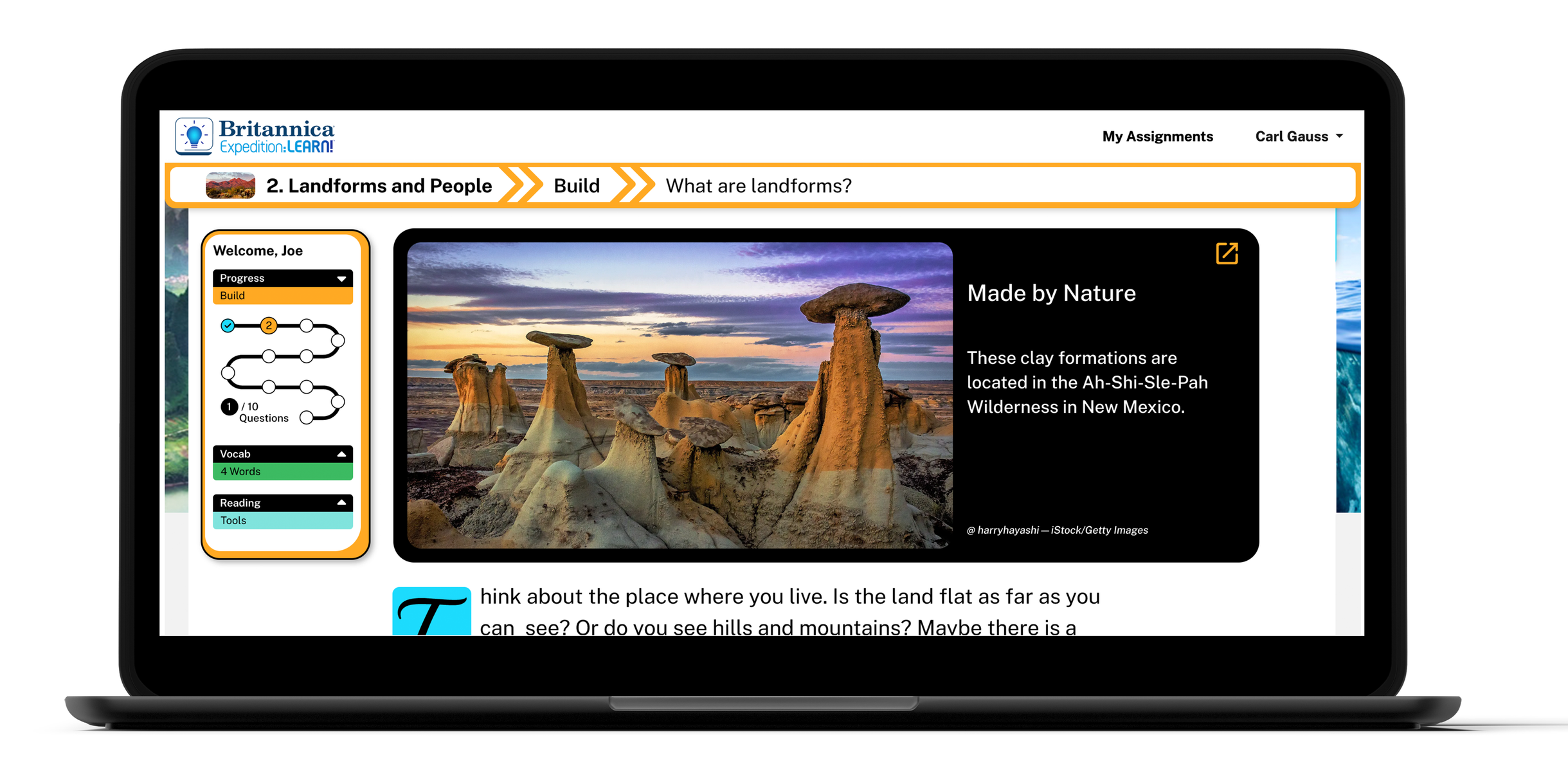
Eleven pages, five asks.
Encyclopedia Britannica's K–8 lesson platform. Each lesson moves through four phases: Spark, Build, Connect, Learn More.
The PM team came with a list — better nav, progress tracker, reading tools, vocab redesign, Chromebook-tuned layout. What they got was more than a punch-list.
Sole UX, former teacher.
Led research, direction, and execution; PM and SME set the targets. Tools were Adobe XD, Photoshop, and a lot of Snagit.
The differentiator: I'd been on the other side of these screens. M.Ed. and five years in the classroom. Every decision tested against what students actually do.
Pedagogy in product form.
- Vocabulary as a constant companion.Pinned mini in the side nav — definitions are always one glance away.
- Above-the-fold first.Built for the Chromebook viewports schools actually have. Less scroll, more learn.
- Skill scaffolding.Tap the skill banner — the lesson teaches Cause & Effect, Vocabulary, Main Idea, in place.