The move
From the iPad, to the pocket.
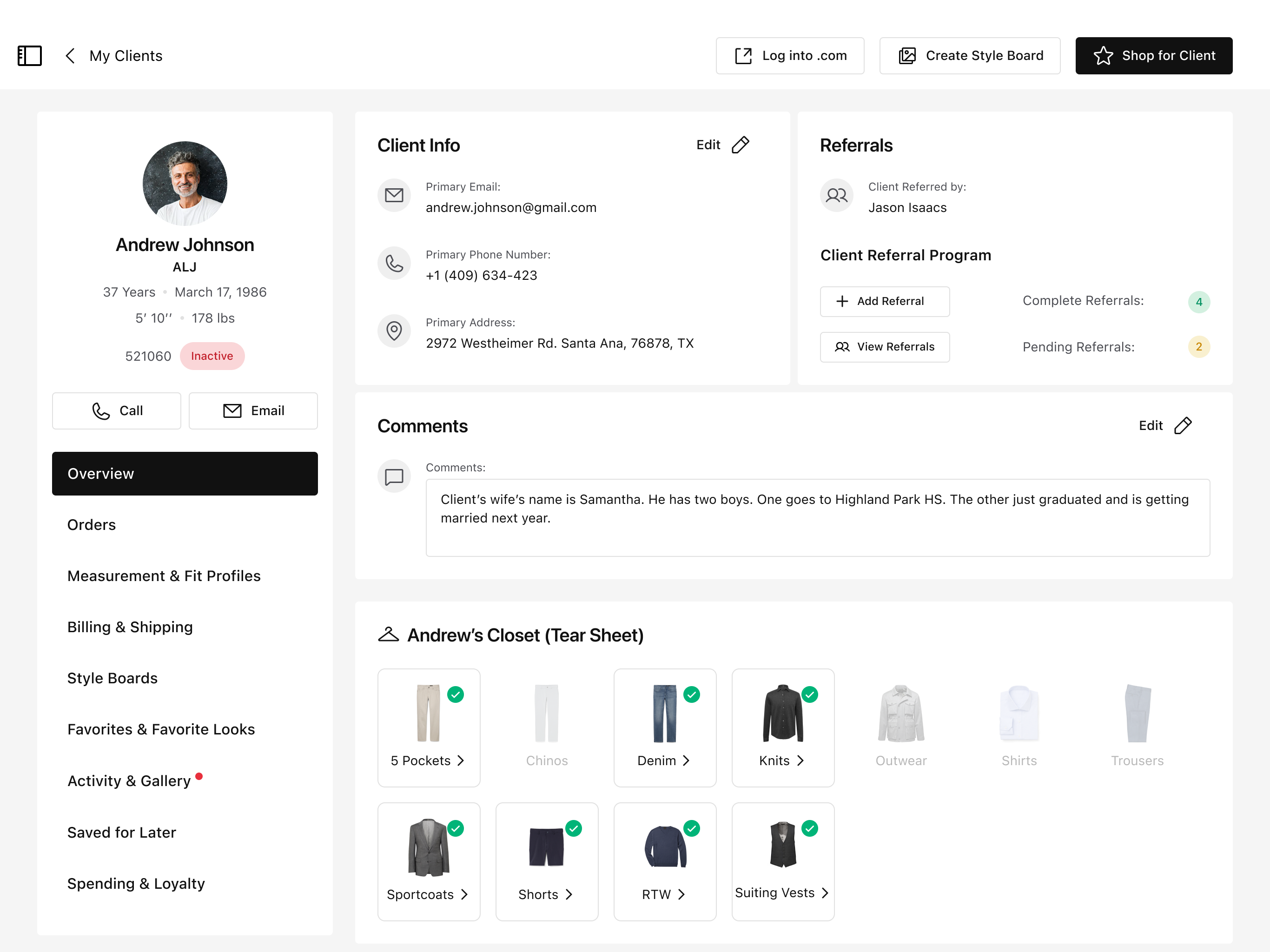
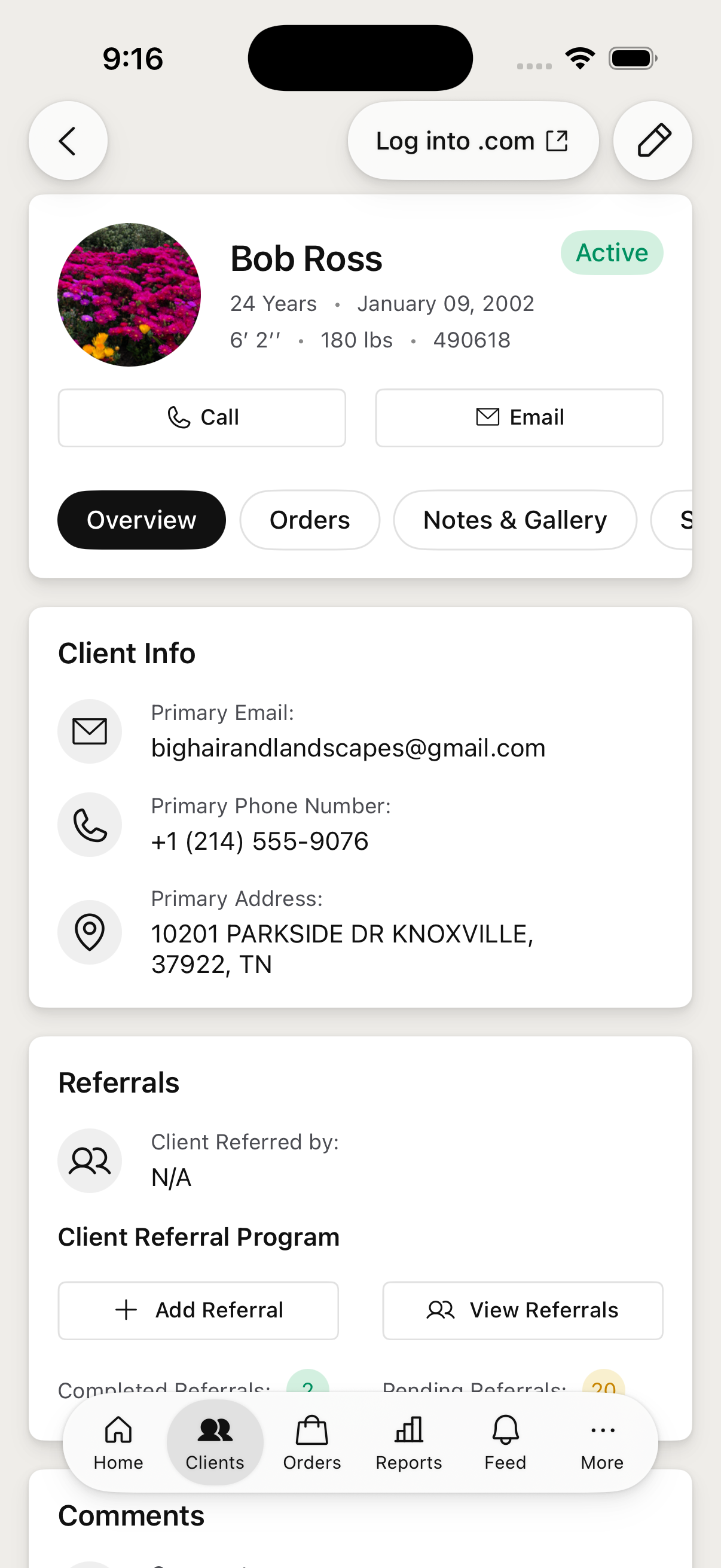
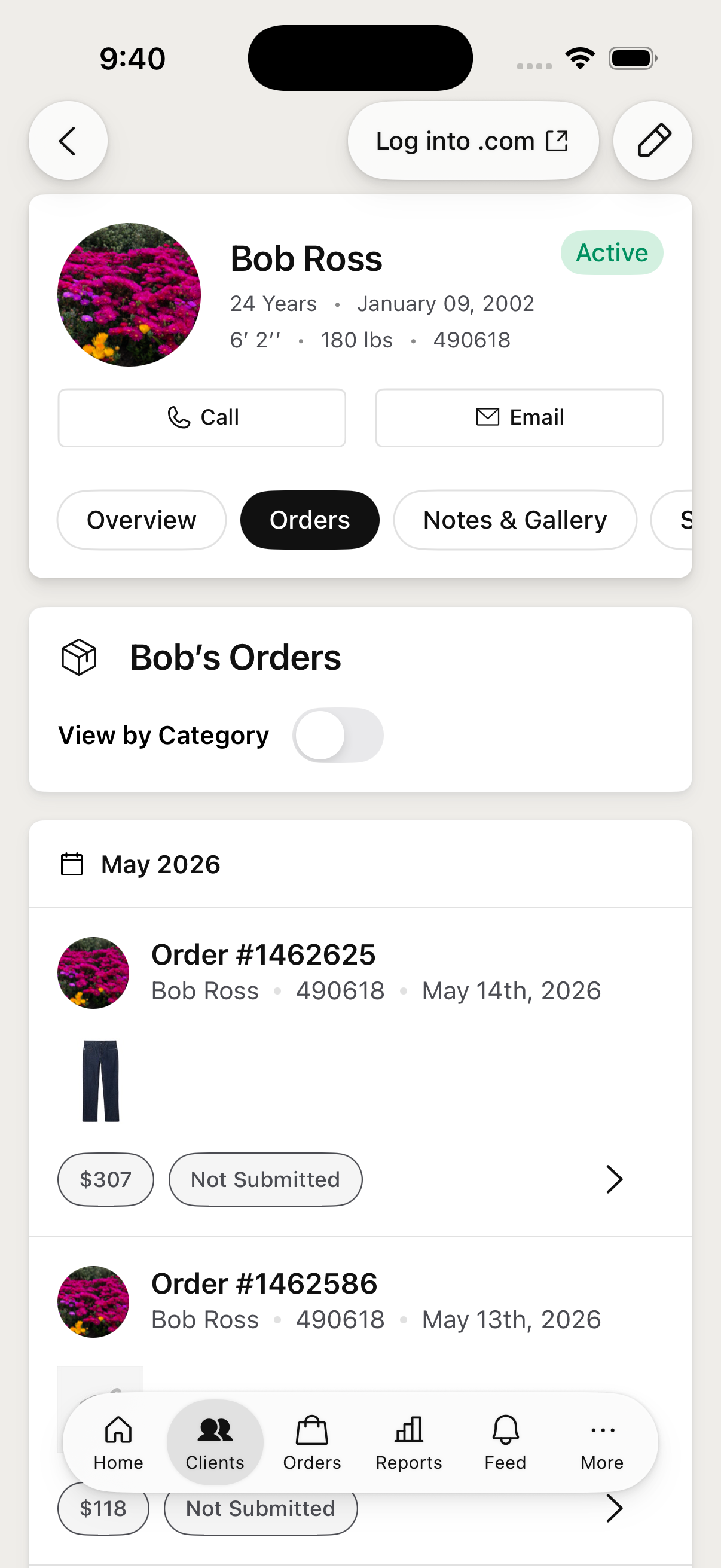
The Client Profile, re-thought for one column and a thumb — the full iPad workspace on the left, and the lighter version a stylist now keeps in their pocket between appointments.
→
Rebuilt for iPhone
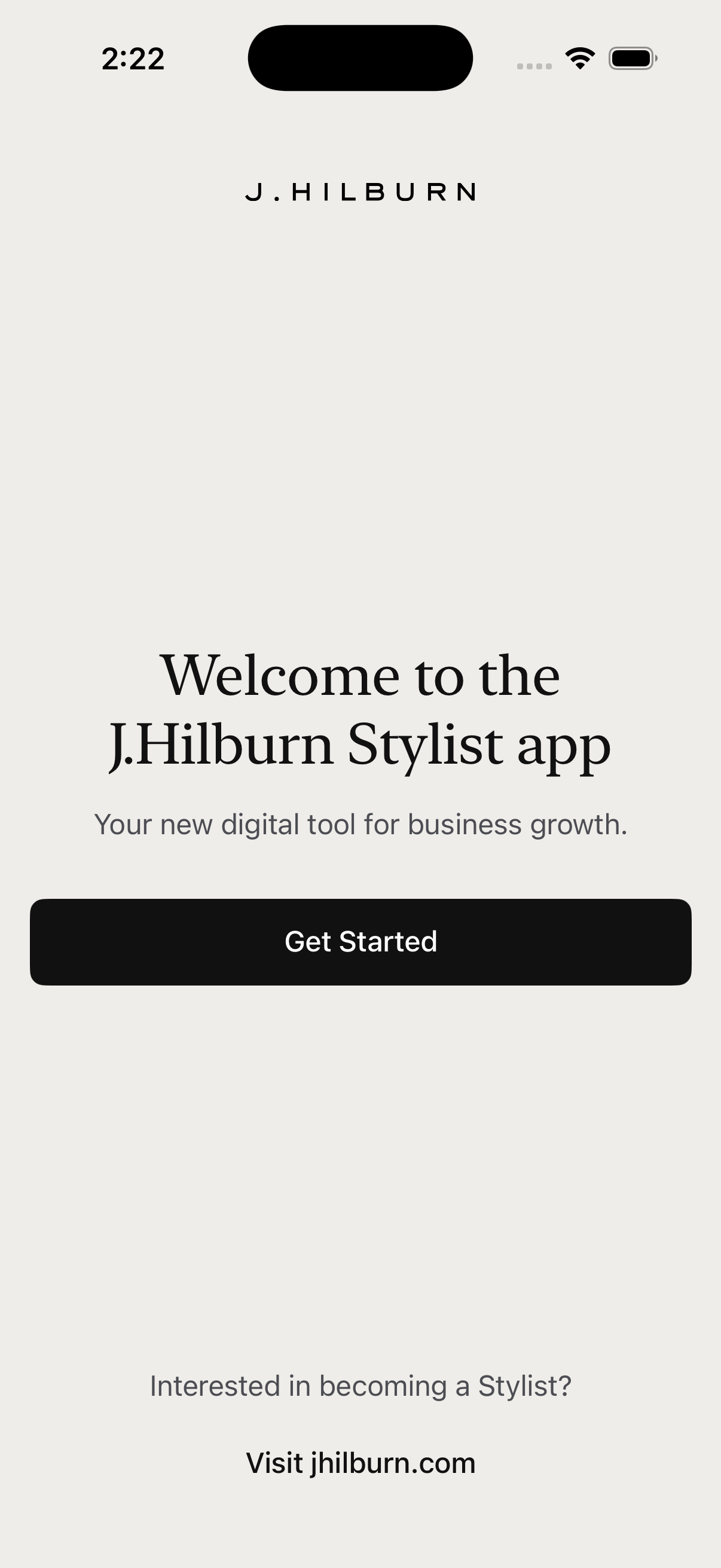
Version 1 of J.Hilburn's native iPhone app for stylists — the company's iPad tooling, reimagined for the phone. I designed it and helped build it in SwiftUI; the whole project shipped in seven weeks, wrapping at the end of May.
Try it — tap through the live prototype to the right (find a client, open an order, add a new client), or open it full screen ↗.
J.Hilburn's stylists ran their whole business on the iPad app. Version 1 for iPhone brought the core of that day-to-day to the phone — a floating six-tab bar covering Home, Clients, Orders, Reports, Feed, and More.
I designed the iPhone adaptation of every flow and coded it myself in SwiftUI with Claude Code — running my own PR reviews before the lead engineer reviewed the code. Adapting to the phone wasn't shrinking the iPad — it was deciding what belongs on a quick pocket companion versus the full iPad workspace, then rebuilding each screen for a single column and a thumb. I grounded the decisions in how stylists actually work — mapping the moments in their day the phone needed to support.
The Client Profile, re-thought for one column and a thumb — the full iPad workspace on the left, and the lighter version a stylist now keeps in their pocket between appointments.
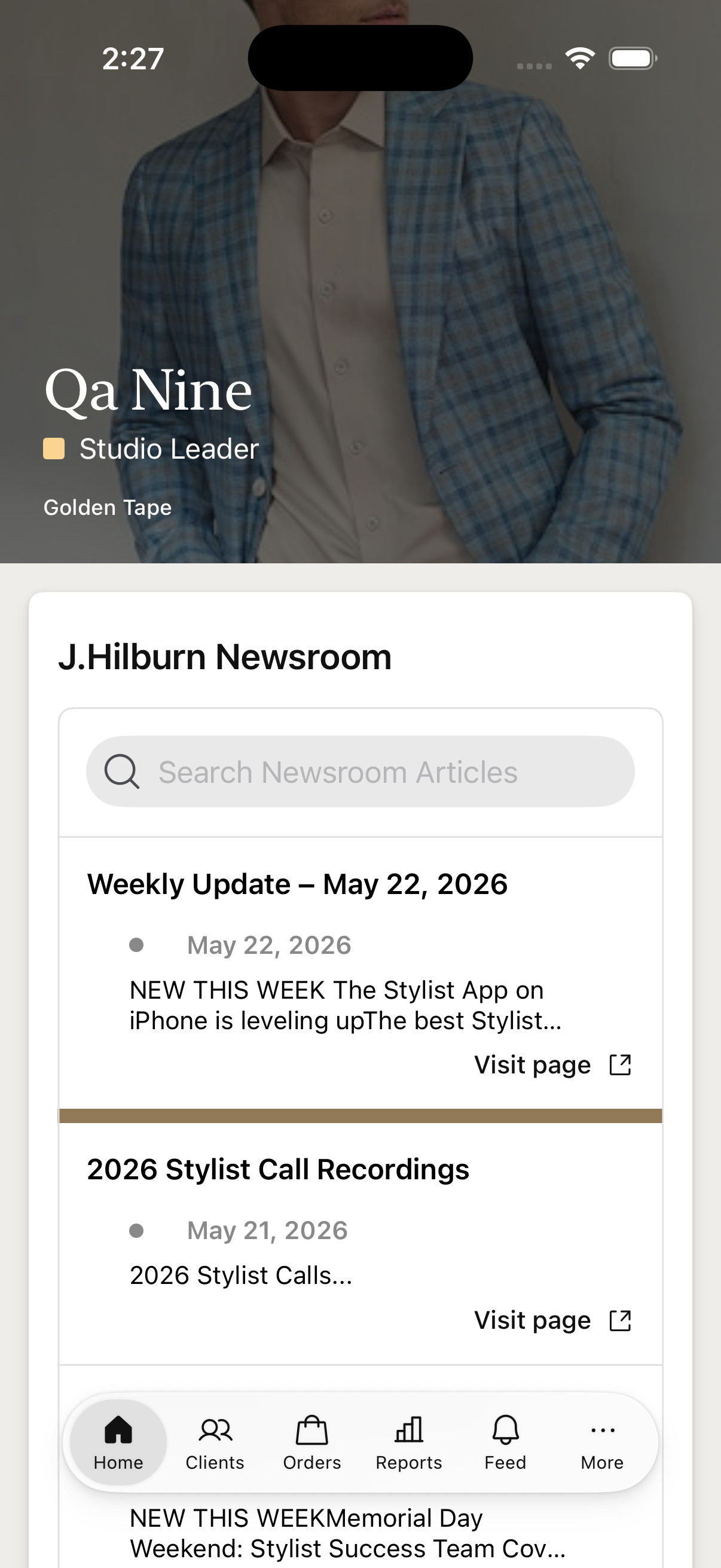
Home opens on the stylist's name and rank over a hero image, then stacks the cards they check first.
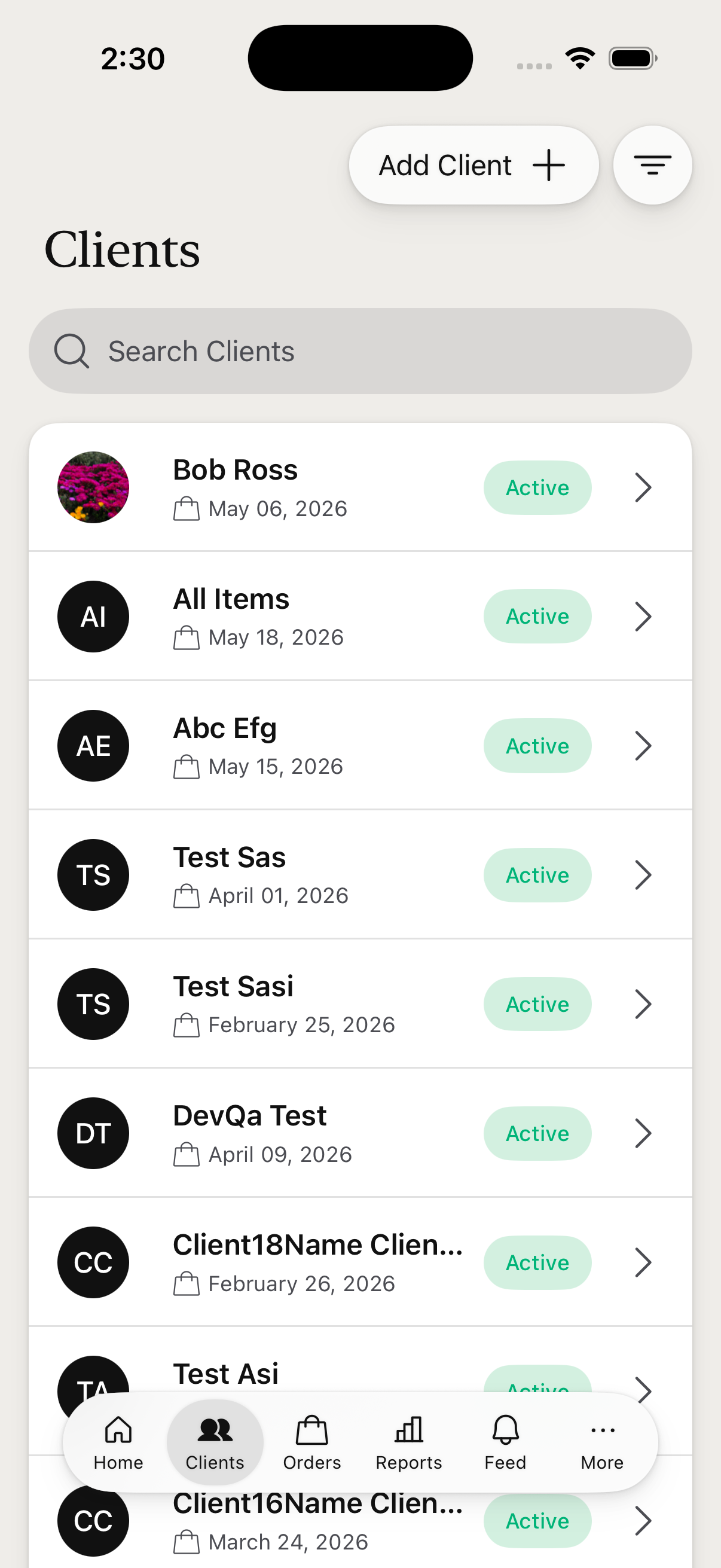
The Clients tab is where stylists live — a searchable, filterable list of client cards (avatar, name, last order, active/inactive status) that opens into a full Client Profile.
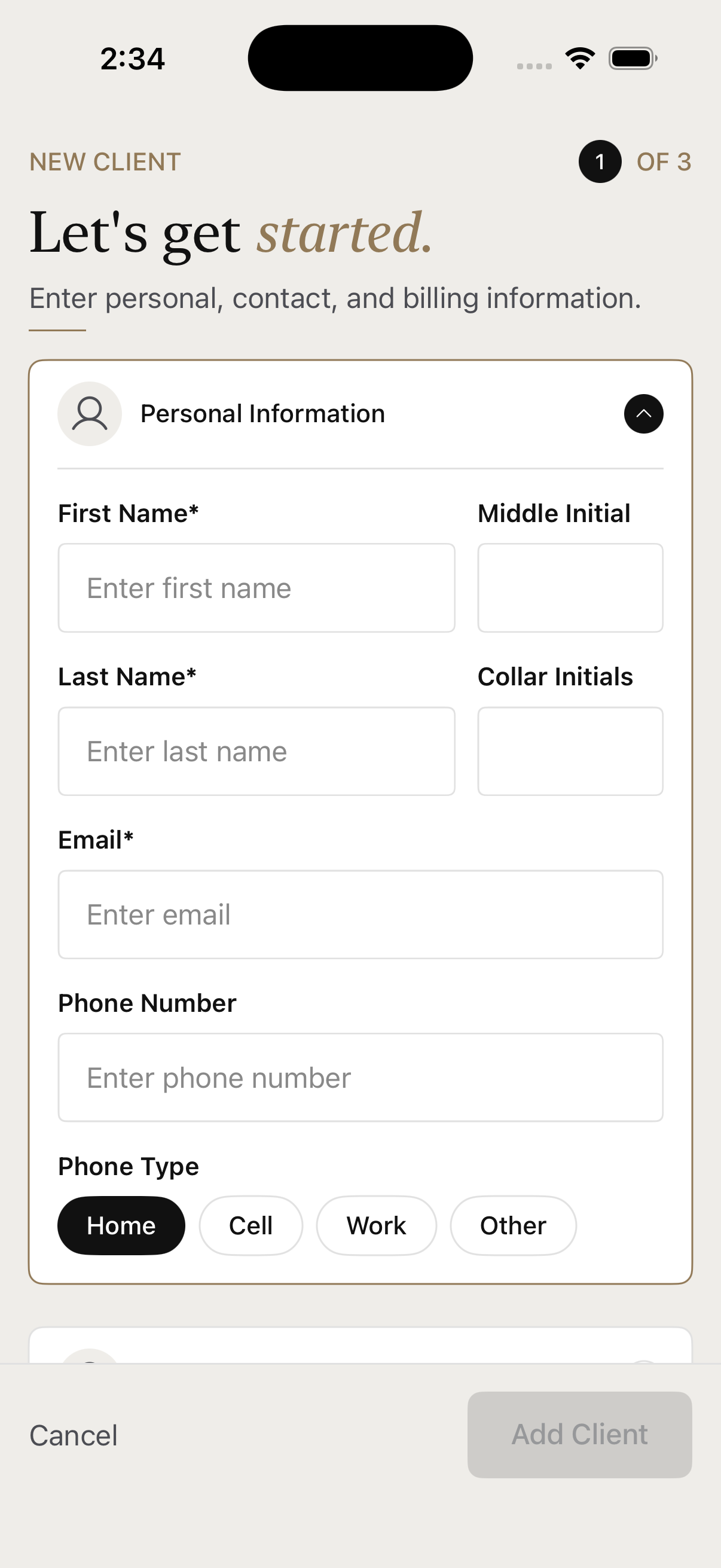
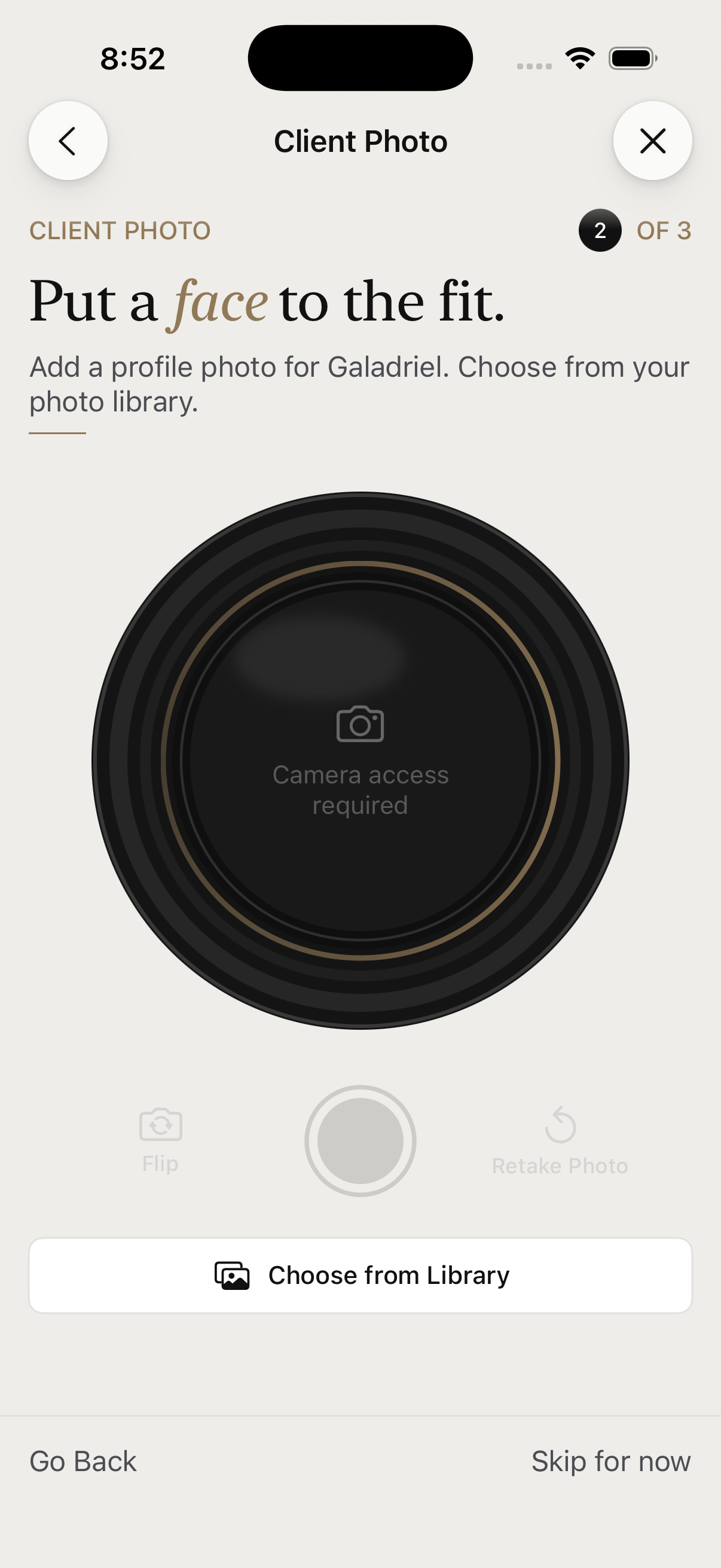
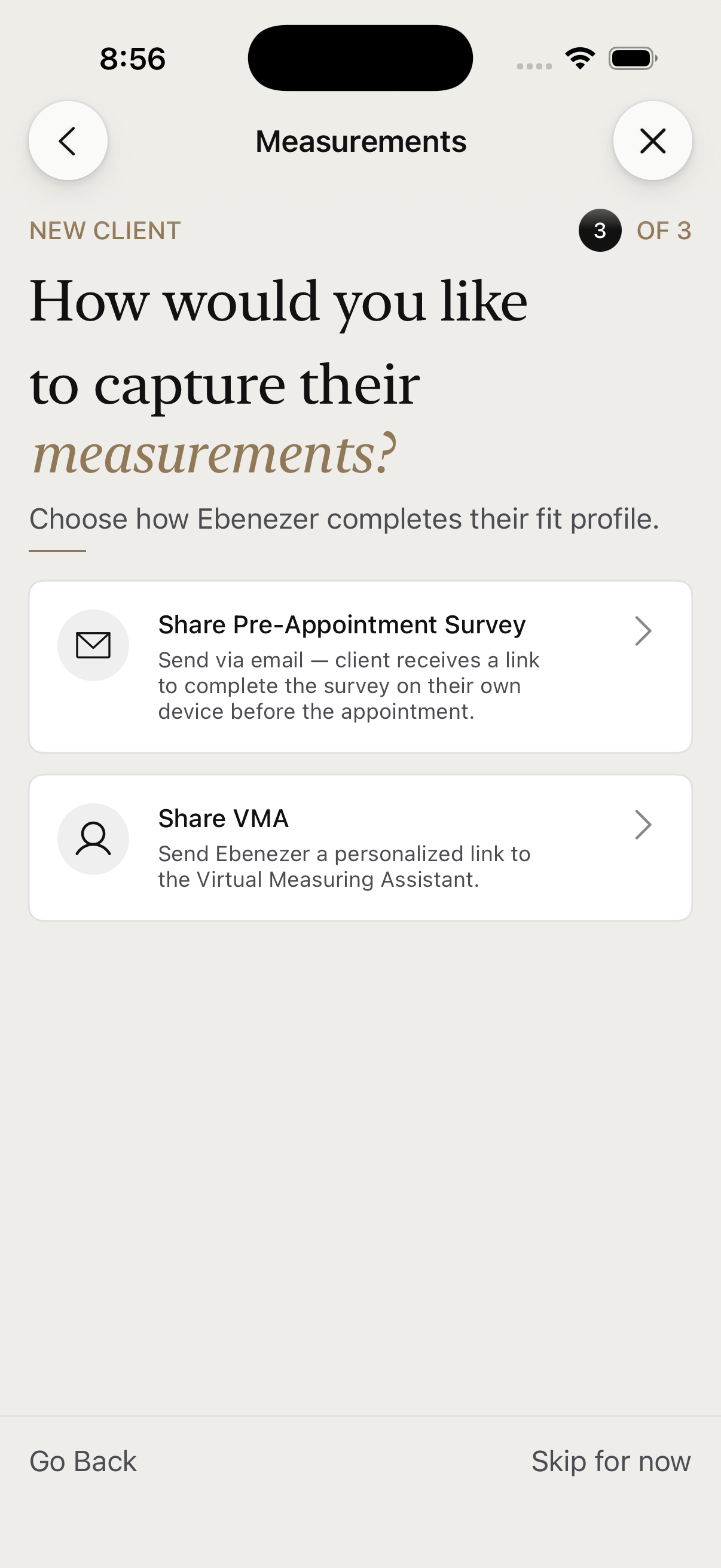
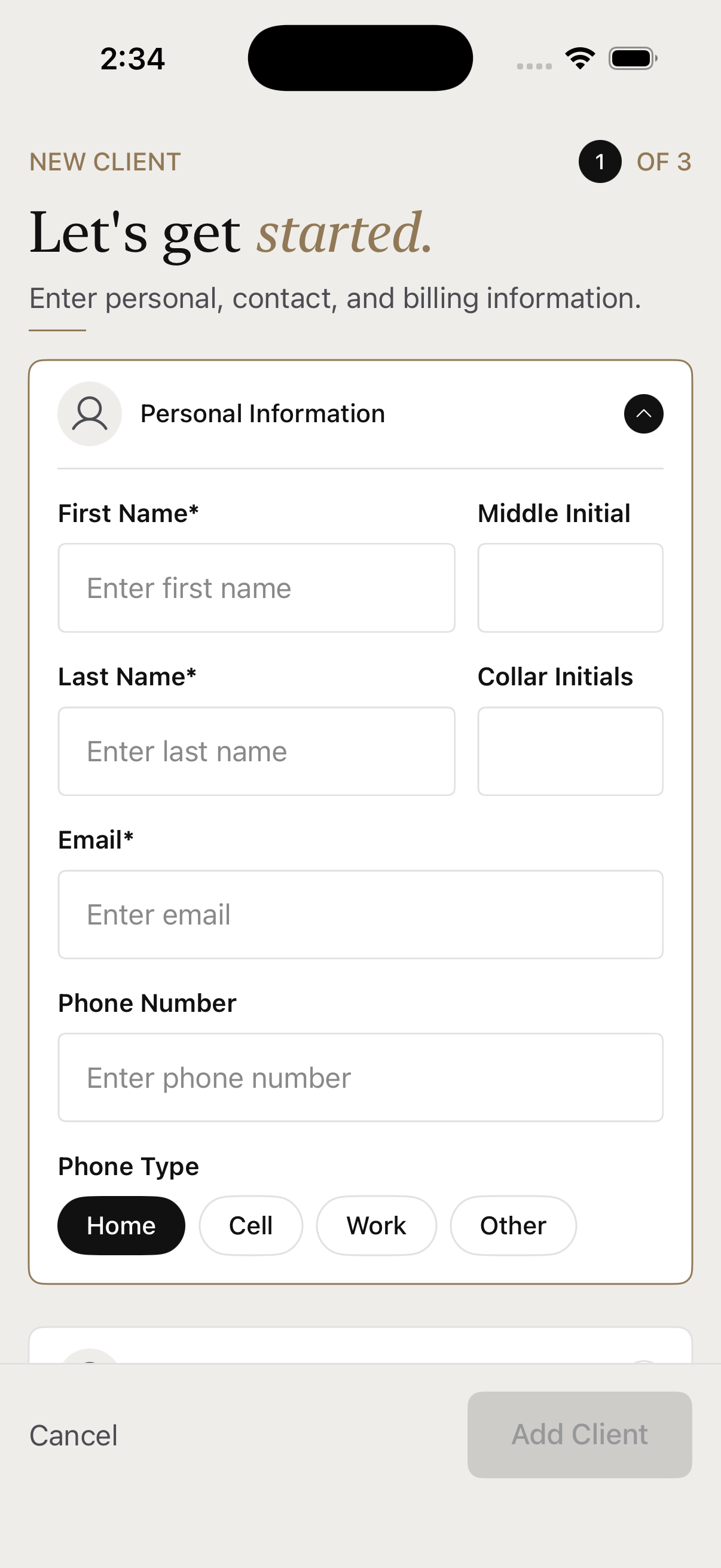
New clients come in through a focused three-step sheet — each step does one thing, so it never feels like a wall of fields: details (personal, shipping, billing, in tidy accordions), an optional photo, then how to capture measurements — share the survey, use the virtual measuring assistant, or skip for now.
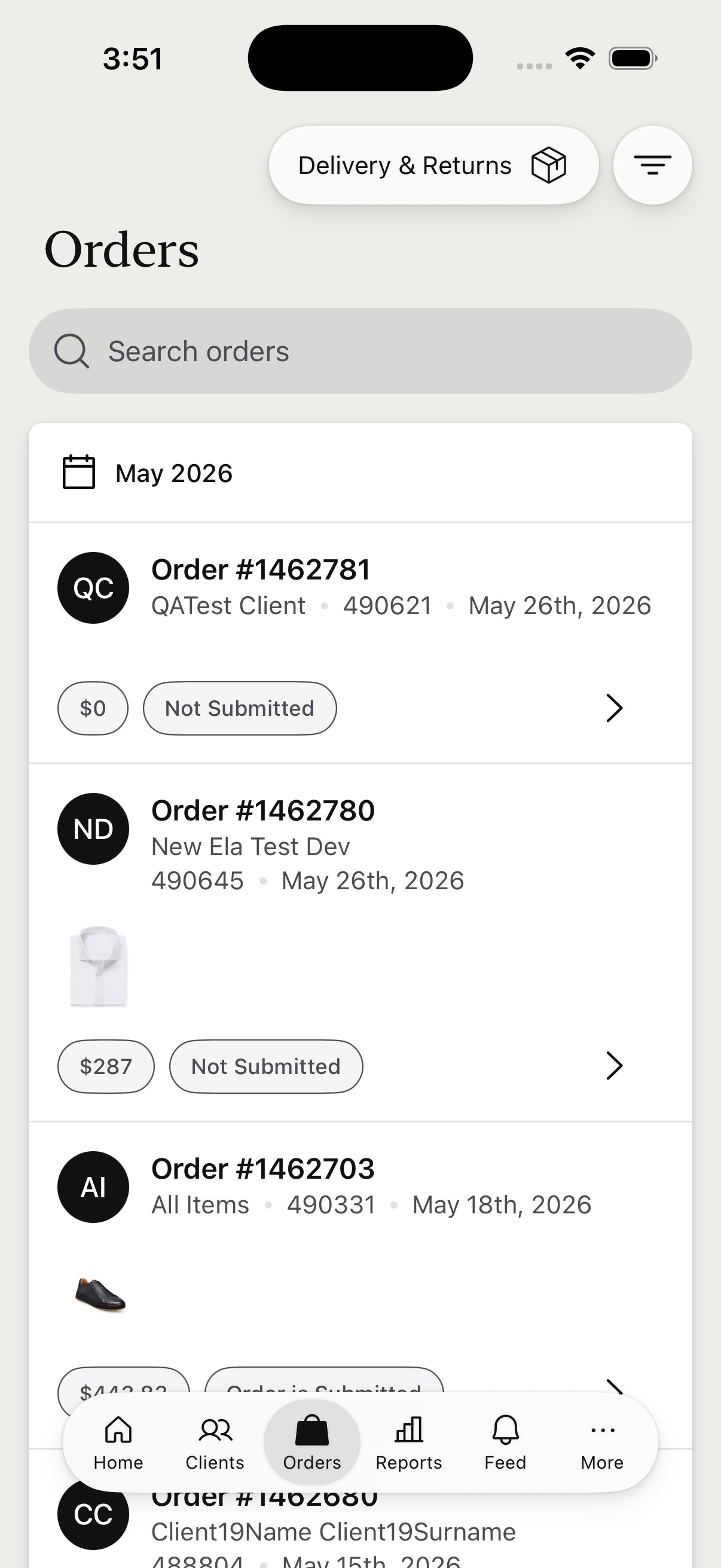
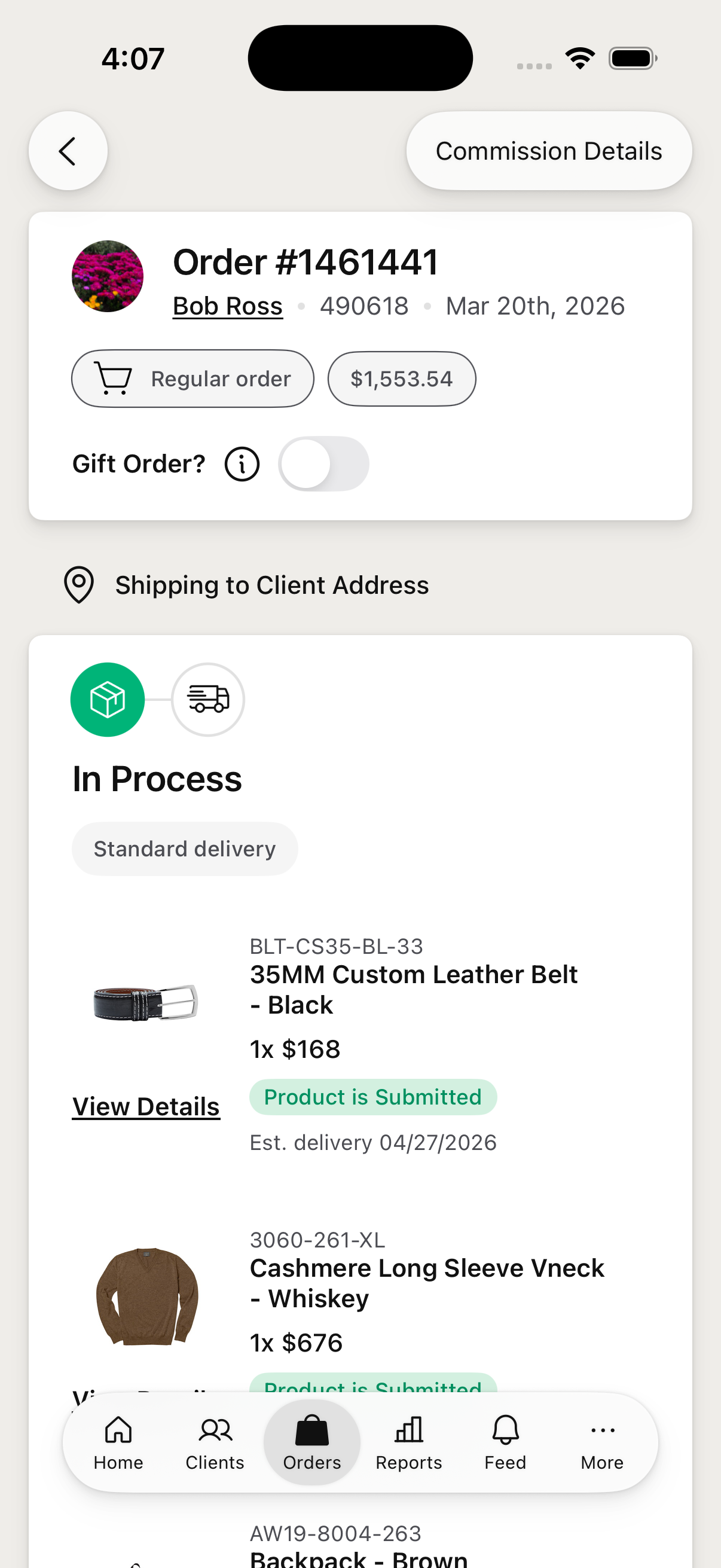
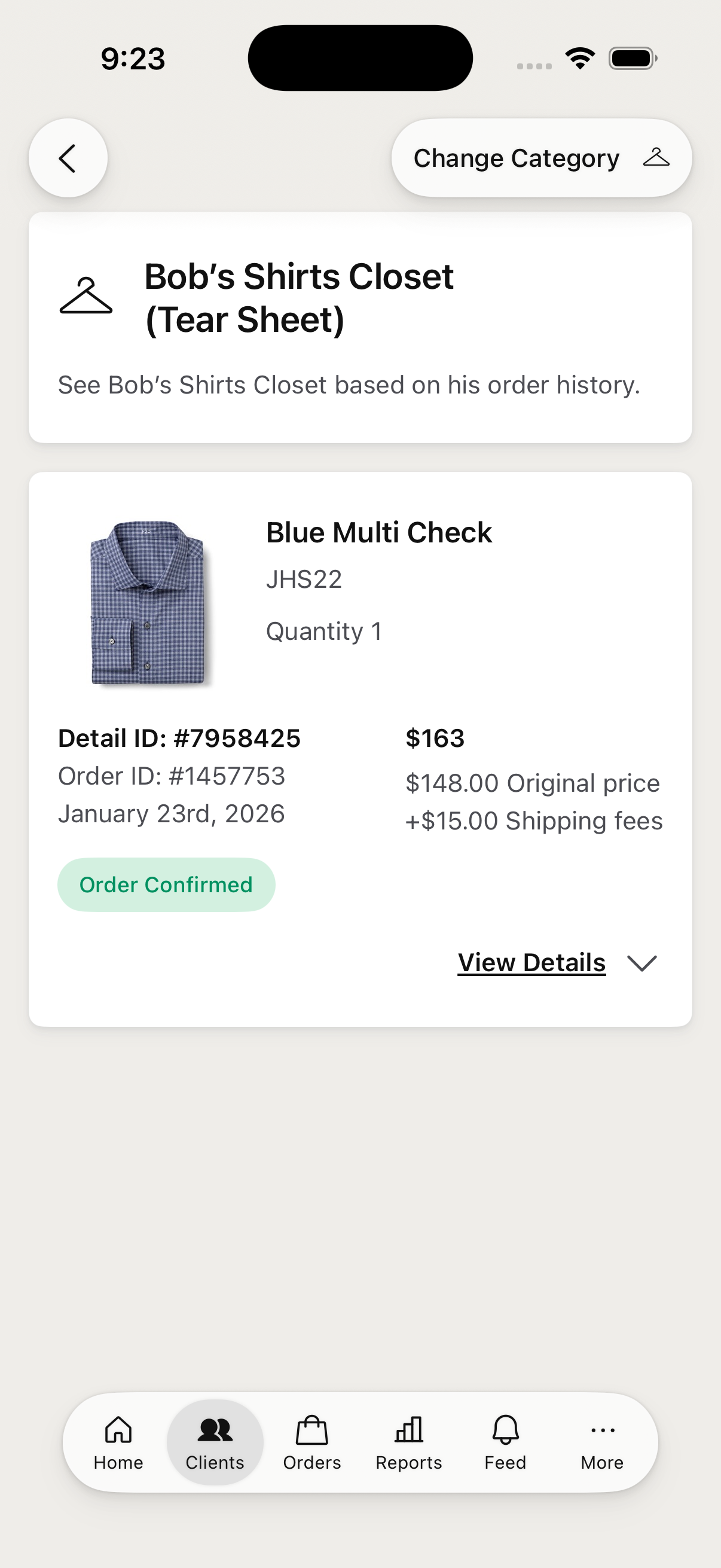
Orders groups a stylist's book by month, with search and filtering. Each order opens to a full detail view.
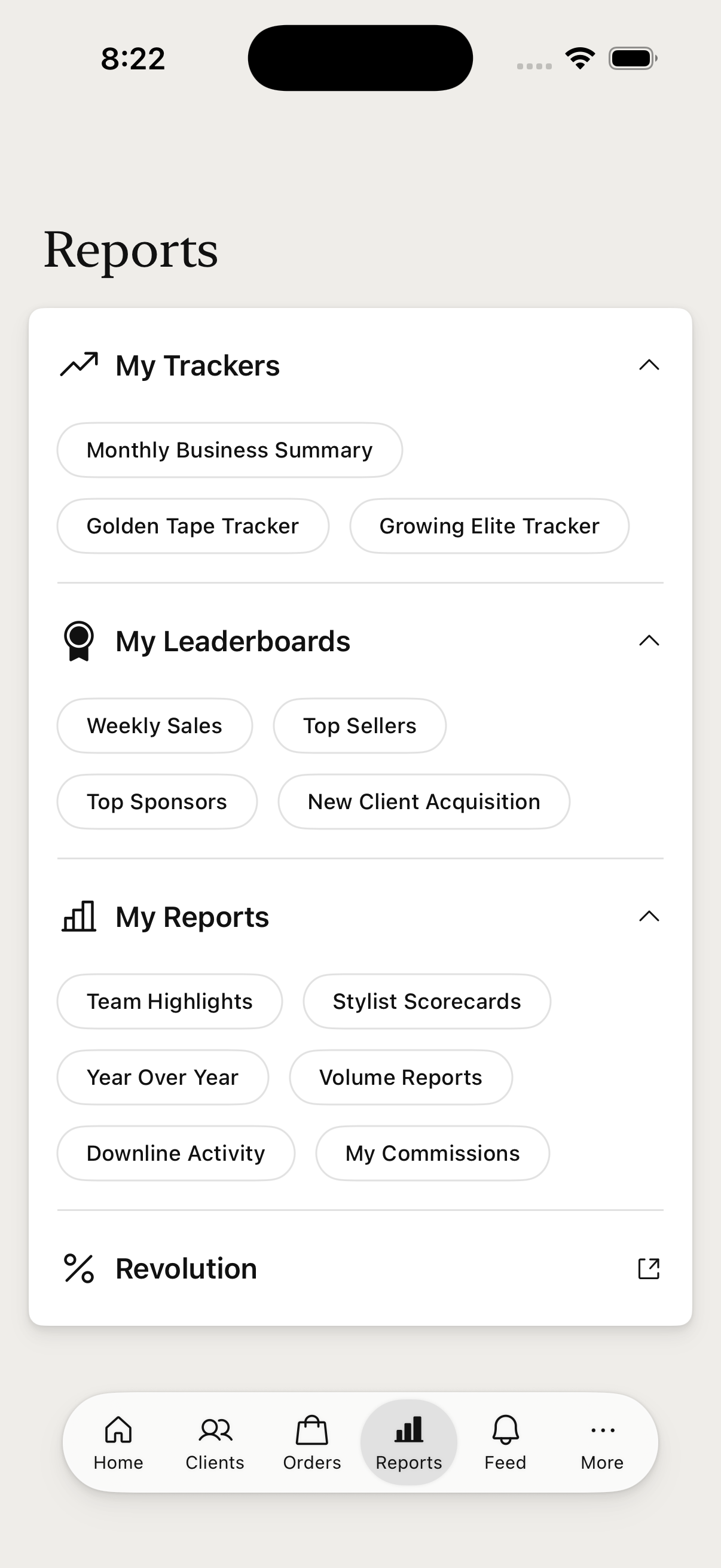
My Reports gathers a stylist's trackers and numbers in one place — Career Path, Golden Tape, and Growing Elite trackers, leaderboards, volume and commission reports, and % Revolution.
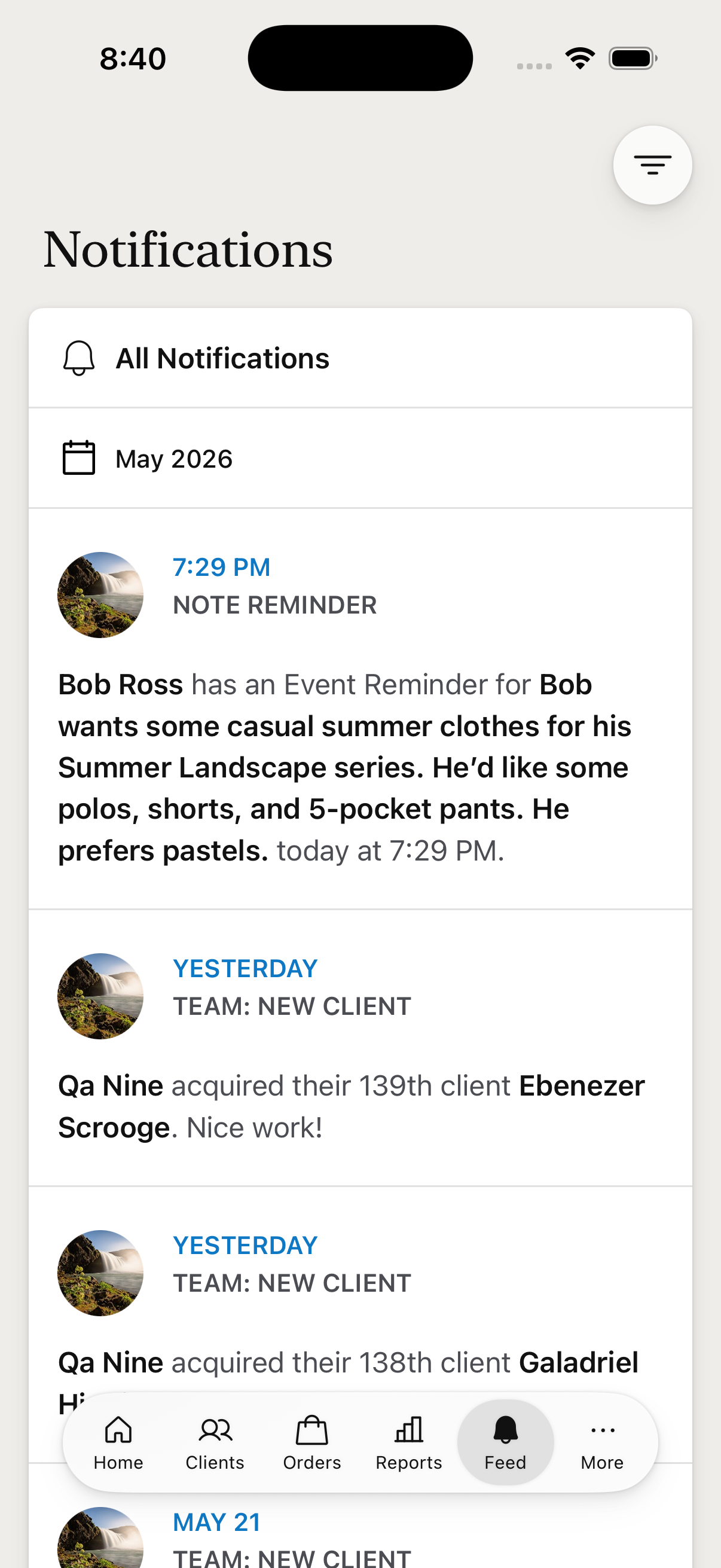
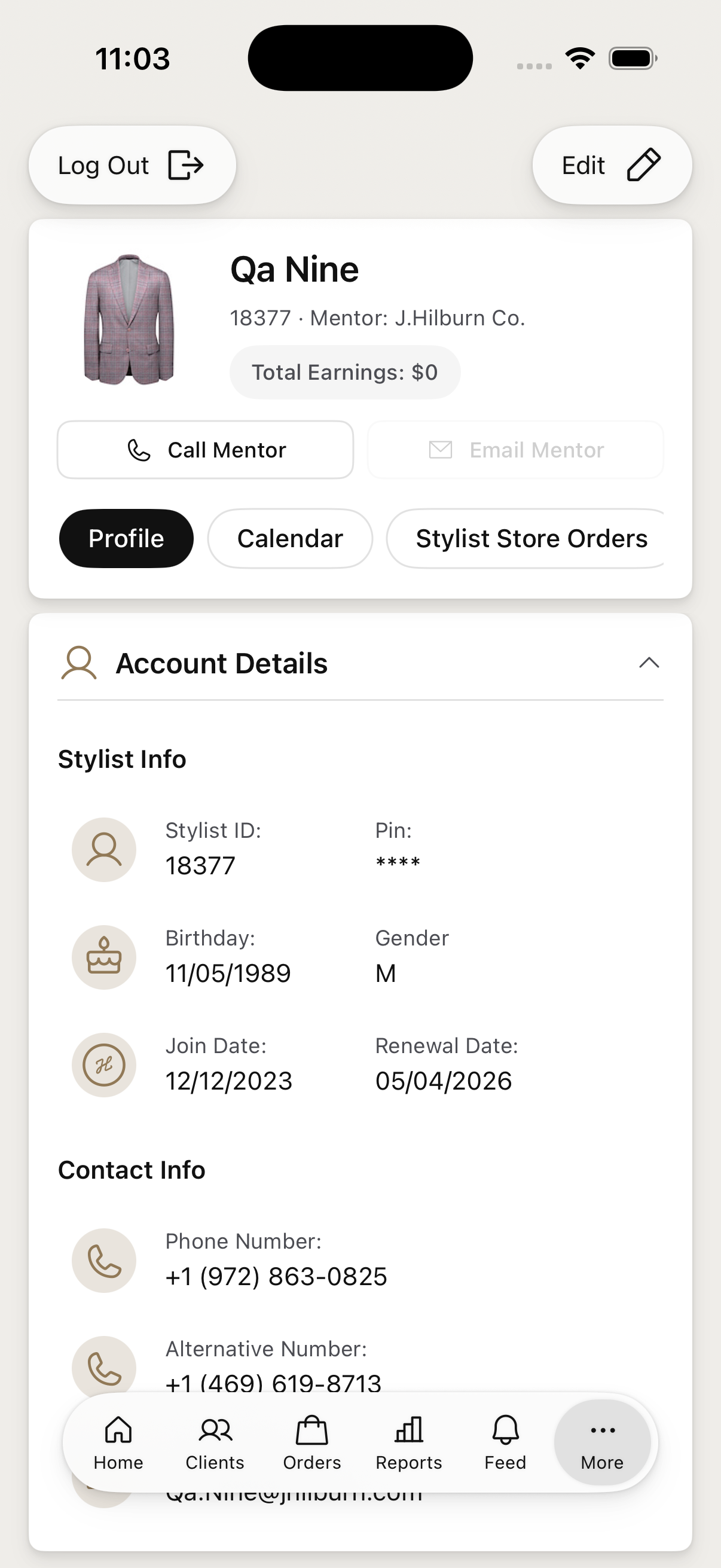
The Feed tab keeps stylists current with notifications — it carries a badge when something's new. More opens My Account, App Tutorials, the JESSI virtual assistant, and Support.
The whole project shipped in seven weeks. Designing the iPhone adaptation and coding it myself in SwiftUI meant the design and the shipped app stayed the same thing — no handoff drift, no "that's not quite what I drew."
The hard part wasn't the screens; it was the judgment about what belongs on a phone at all. The product catalog and shopping bag stayed iPad-only for V1 — the iPhone is the stylist's quick, in-the-room companion, not their whole desk.
The result: since launch, stylist usage of the app is up 132%.